- VRAM is ultra-fast memory dedicated to the GPU that stores visual data to avoid performance bottlenecks.
- There are critical differences between integrated GPUs, which use system RAM, and dedicated GPUs, which have their own much faster memory.
- The amount of memory needed depends on the resolution and active effects, with 8 GB being the standard for 1080p and 16 GB being ideal for 4K.
- The use of upscaling technologies such as DLSS or FSR helps reduce the load on graphics memory, improving fluidity.
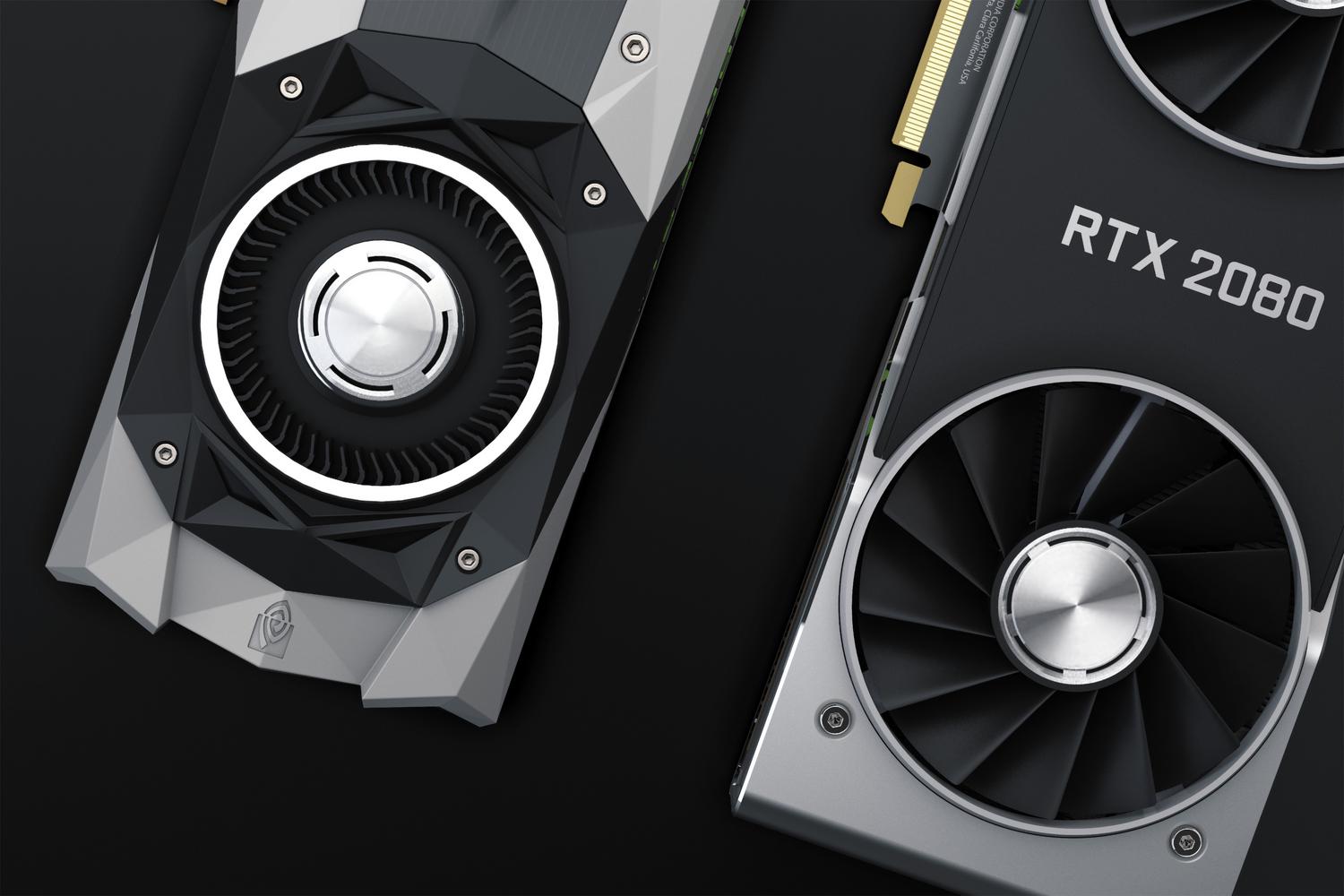
When building a PC or looking at laptop specifications, it's very common to come across the term VRAM, or graphics memory. Although it might sound like gibberish to many, the reality is that it's a fundamental component for everything we see on screen, from a simple YouTube video to the most demanding game, to run smoothly and without stuttering.
Basically, we can say that graphics memory is to the video card what RAM is to the processor : an ultra-fast storage space where the data the GPU needs to access in real time is stored. If you don't have enough or the speed is insufficient, you'll find that your computer struggles , causing textures to take a long time to load or the frame rate to plummet.
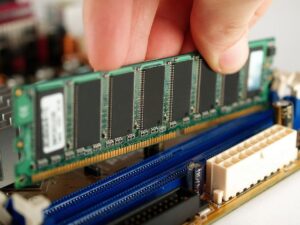
Differences between integrated GPUs and dedicated graphics cards
Not all graphics solutions are created equal. On one hand, we have integrated GPUs, which are built into the processor itself. These typically don't have their own dedicated memory, so they use a workaround: they borrow a portion of the system's RAM . The problem is that RAM is much slower than dedicated memory, which reduces overall performance and also reduces the amount of memory available for other tasks. For example, if you have 8 GB of RAM and the graphics card uses 2 GB, the system only has 6 GB left to operate.
On the other hand, there are dedicated graphics cards. These are true powerhouses because they come with their own memory chip, VRAM, which is significantly faster and has a much higher bandwidth. While standard DDR4 RAM is slow in comparison, a modern card like the RTX 4070 uses lightning-fast GDDR6X memory, preventing the computer from lagging when handling heavy textures or complex effects.
What exactly does graphics memory do and how does it work?
VRAM is a type of high-speed memory specifically designed for graphics-intensive applications. Its function is to store the graphics processing load that the GPU requires to operate. It's not only used in games; the operating system itself consumes VRAM to manage the interface and screen resolution, as well as when opening image files or high-definition videos.
The operation of a graphics card can be summarized in a two-stage process. First comes vertex processing , where the GPU takes information from the CPU to calculate the spatial position and rotation of objects. Next is pixel processing , which is where the color and final appearance of each point we see on the monitor are determined. For this to happen, the GPU moves massive amounts of data across a data bus, which can range from 64 bits in entry-level cards to 512 bits in professional models.
Capacity analysis: How many GB do I really need?
This is the million-dollar question, and the answer depends entirely on what you use the computer for. If you're just looking to do office work or watch movies, an integrated GPU and about 8 GB of RAM are more than enough. But if you enjoy gaming, the story changes. The amount of memory doesn't increase the raw power of the GPU, but if it's insufficient, it acts as a bottleneck that seriously limits performance.
- Low resolutions (lower than 1080p): With 4 GB of GDDR5 you can get by in older games, but for modern titles at high quality you will need at least 6 GB.
- 1080p resolution: For reliable gaming at medium-high quality, 8 GB of GDDR6 memory is ideal.
- 1440p resolution: Although 8 GB might be enough if you lower the textures, 12 GB is recommended for peace of mind.
- 4K (2160p) resolution: This is where VRAM really shines. 12 GB is the minimum, but to avoid having to adjust any settings, 16 GB is the safe option.
If you decide to enable ray tracing , memory usage increases dramatically. At 1080p, you'd go from needing 8 GB to recommending 12 GB, and at 4K you could need more than 16 GB, especially if you use frame generation technologies that create an additional data buffer.
The phenomenon of preventive occupation
There's something that confuses many people: the difference between memory usage and allocation. Some games perform preemptive allocation ; that is, if they detect that you have a lot of memory (for example, 16 GB), they fill VRAM blocks even if they don't strictly need them at that moment. This is done to try to improve stability and minimum FPS.
Don't be alarmed if a game allocates 19 GB but only uses 14 GB. What matters is the actual usage. If you run out of memory, you'll start noticing the infamous "pop-in" (objects suddenly appearing and disappearing), blurry textures, or annoying stuttering.
Settings that consume the most resources and how to optimize them
If you notice your graphics card is maxed out, there are several settings you can adjust to free up space. The most effective is lowering texture quality and reducing the memory allocated to textures. Switching from "Ultra" to "High" quality can save you 2 GB or more without the game looking noticeably worse.
Resolution and the use of upscaling technologies also play a role. NVIDIA's DLSS and AMD's FSR not only increase FPS but also reduce VRAM consumption by rendering fewer pixels. Conversely, frame generation consumes more memory because it needs to store extra information to create those artificial frames.
Types of hardware and cooling
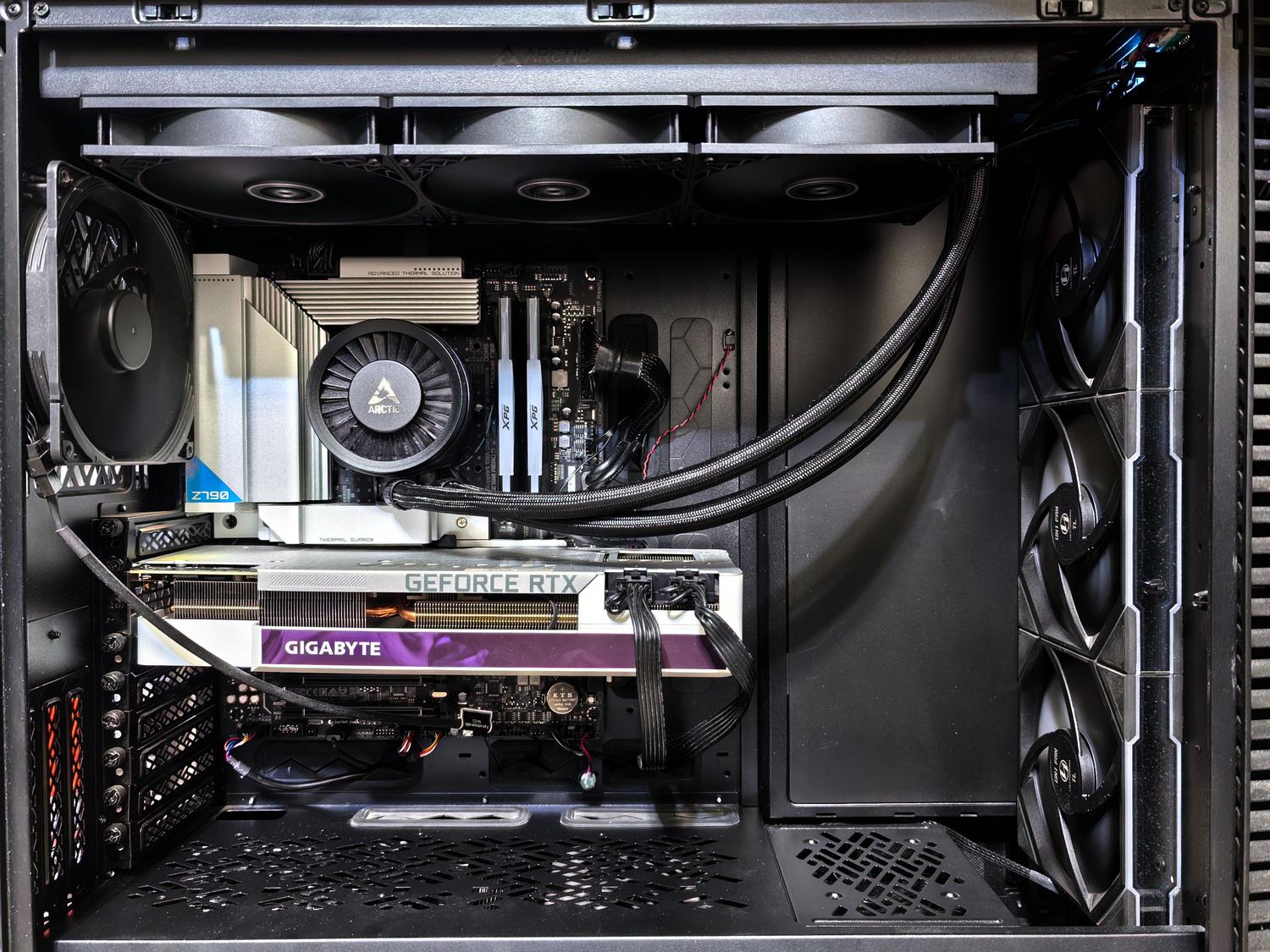
Beyond memory, the architecture (like NVIDIA's Ada Lovelace or AMD's RDNA) defines how the cores are organized. To prevent all of this from overheating, there are three types of cooling: active (traditional fans), passive (aluminum fins, ideal for quiet but limited systems), and liquid (tubes filled with coolant, the best option for high-end systems).
In terms of size, there are Mini-ITX models for small cases, the standard two-fan models, and the giant three-fan models, which are the most powerful but require a spacious case to fit.
Graphics memory is the invisible engine that allows the GPU to quickly process complex images. From choosing the amount of GB based on resolution to optimizing texture and upscaling settings, understanding VRAM is key to getting the most out of any PC, whether it's a powerful gaming machine or a professional workstation.